Inside My Creative Toolkit as a Web Designer
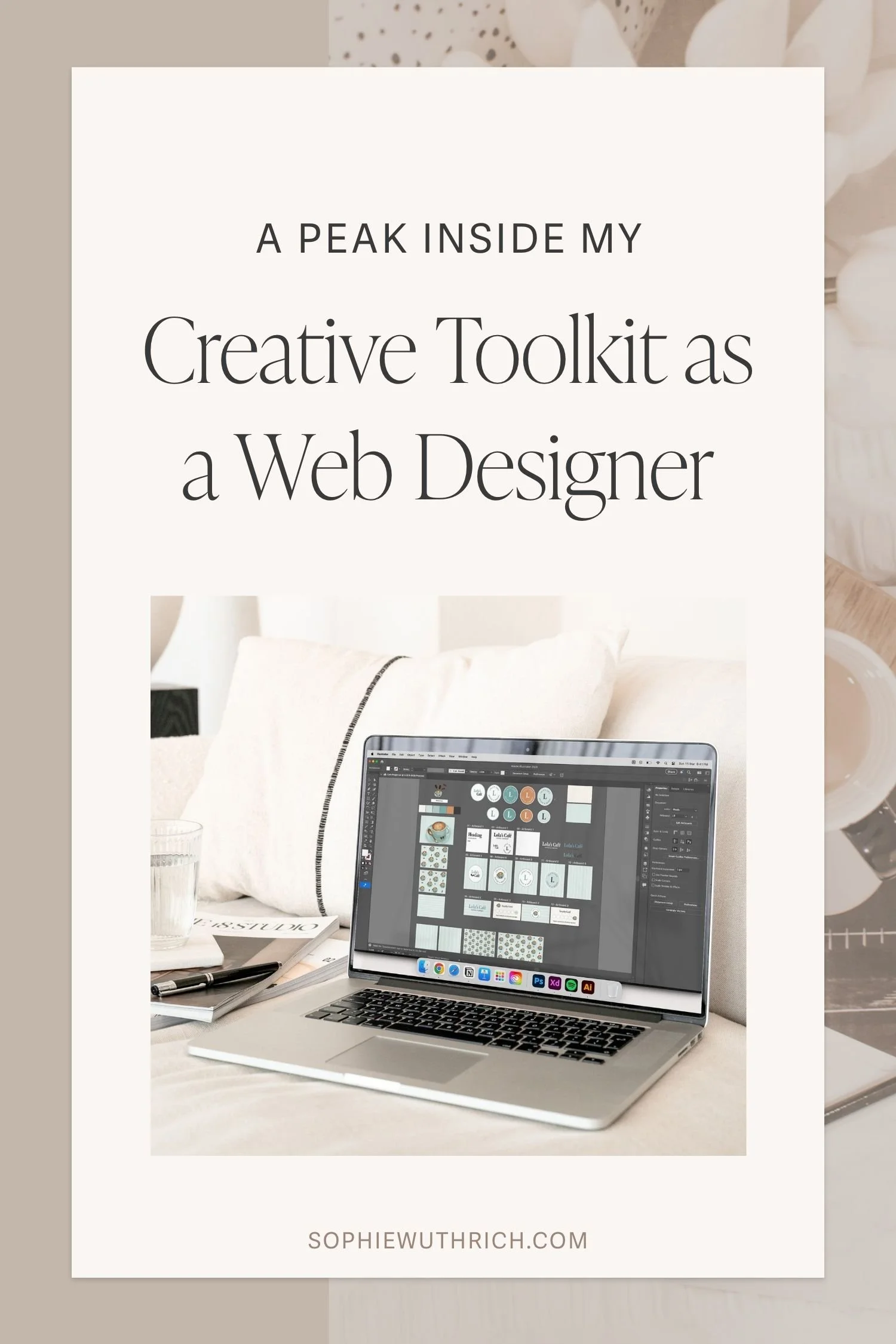
Hello and welcome! Today I’m sharing my favourite tools and programs that I use all the time as a web designer. I personally love reading about what other creatives use in their workflows, whether it’s web design, branding, UI/UX, interior design, or even a field completely different from my own! So, here’s a peek into my toolkit and what I specifically use each tool for. Hope you enjoy the read! 💛
Adobe Creative Cloud
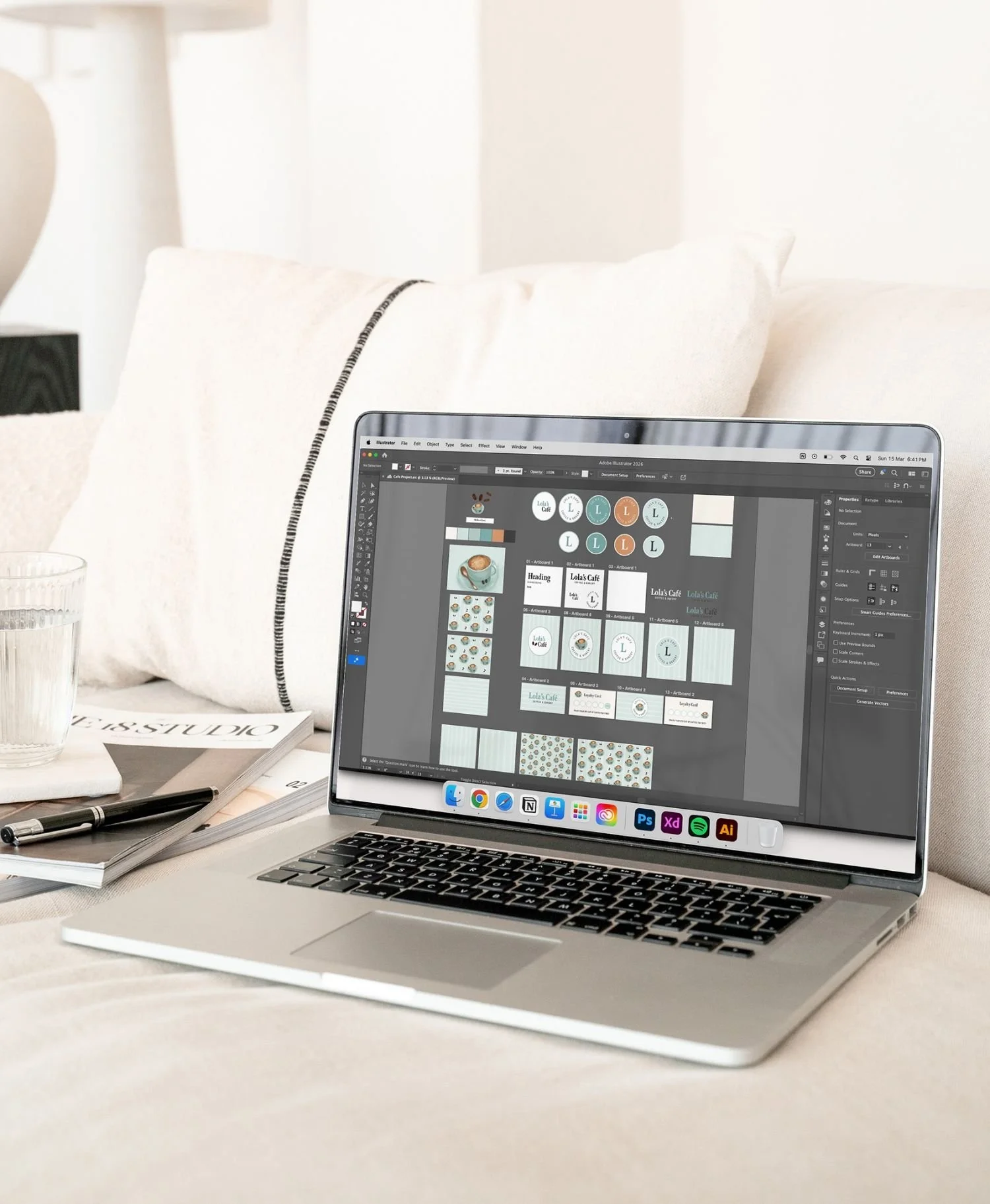
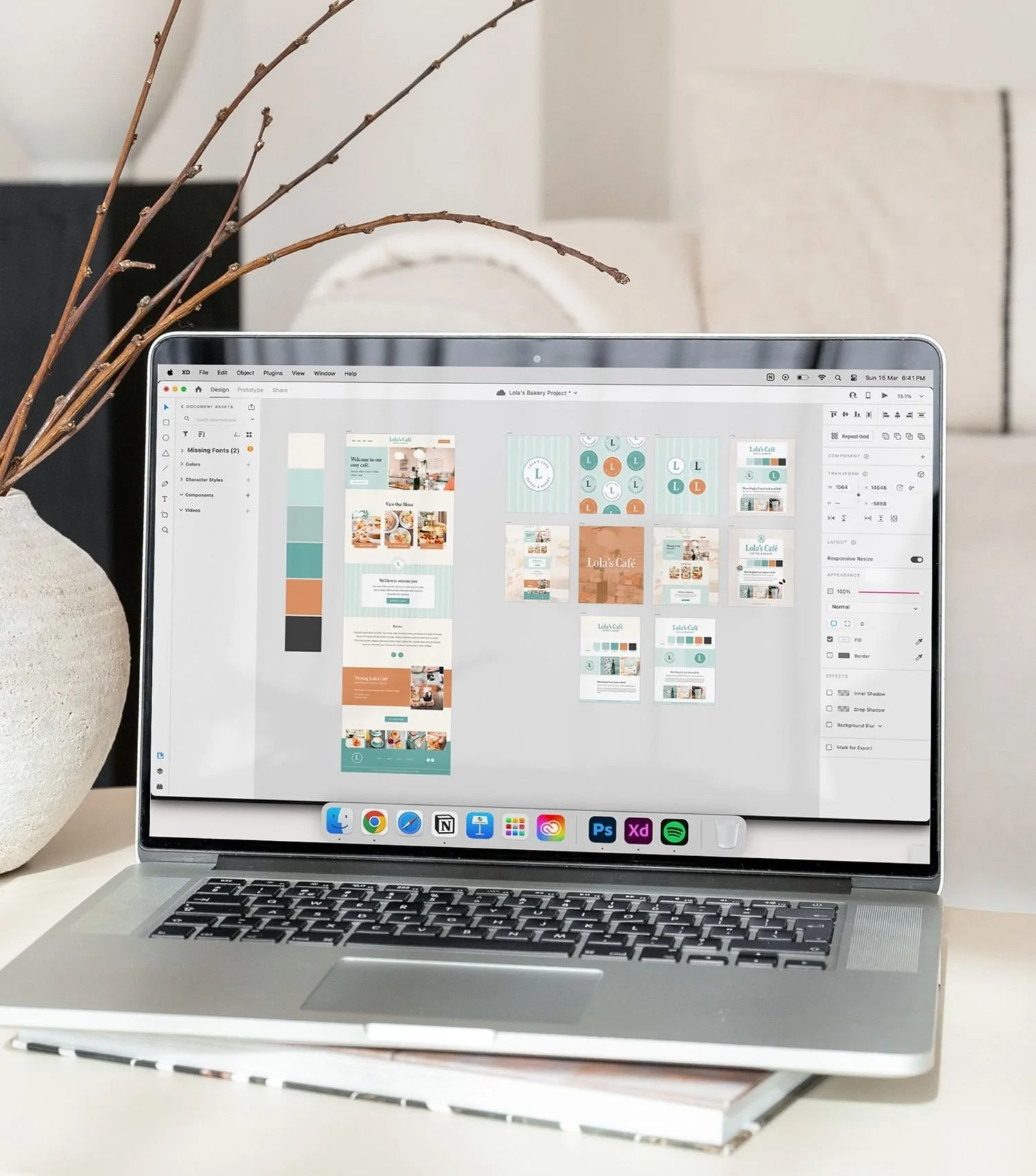
Adobe Creative Cloud is a staple in my design workflow, and I love how my files sync seamlessly across Creative Cloud. Below are the specific Adobe programs that I use the most:
Adobe Illustrator: Illustrator is my must-have for creating vector files. I mostly use it for designing logos and vectorising my illustrations into scalable artwork.
Adobe XD: XD has been my go-to for wireframing and mapping out websites before I build them. I’ve dabbled in Figma and like it too, but I haven’t fully been converted yet. I also create most of my social media graphics in XD.
Adobe Photoshop: Photoshop is my magic tool for creating stunning mockups of my design work. The Smart Layers feature is an absolute game changer and makes it easy to showcase my designs in a polished and professional way.
Adobe Lightroom: Lightroom comes out whenever I need to make quick edits to images. Most of the time the edits are simple adjustments such as cropping, lighting, and colour balance to ensure that the images look cohesive before using them on any website (especially if I’ve collected a range of stock images for demo purposes and want them to work well together). It’s a small step that makes a big difference.
Procreate
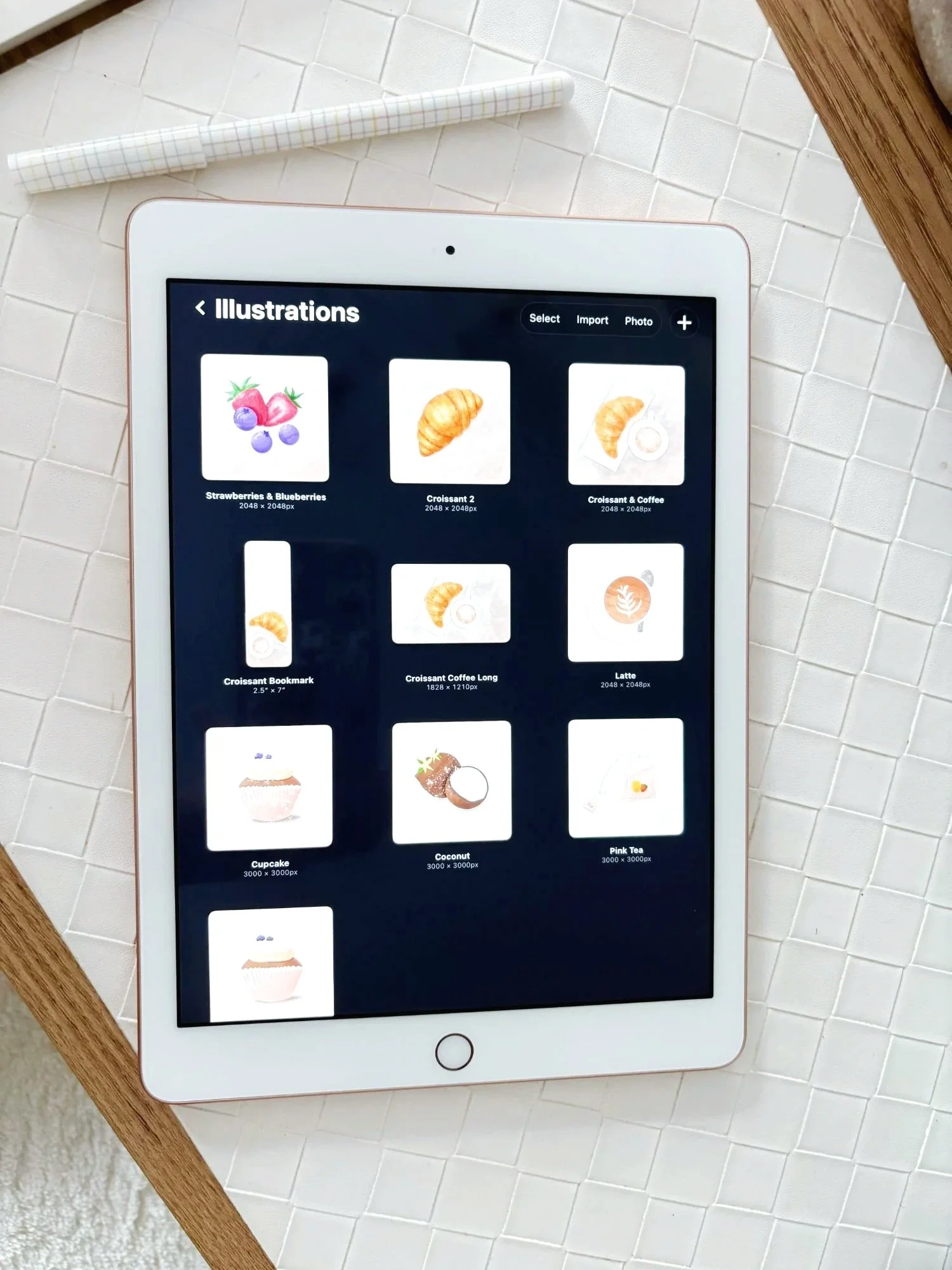
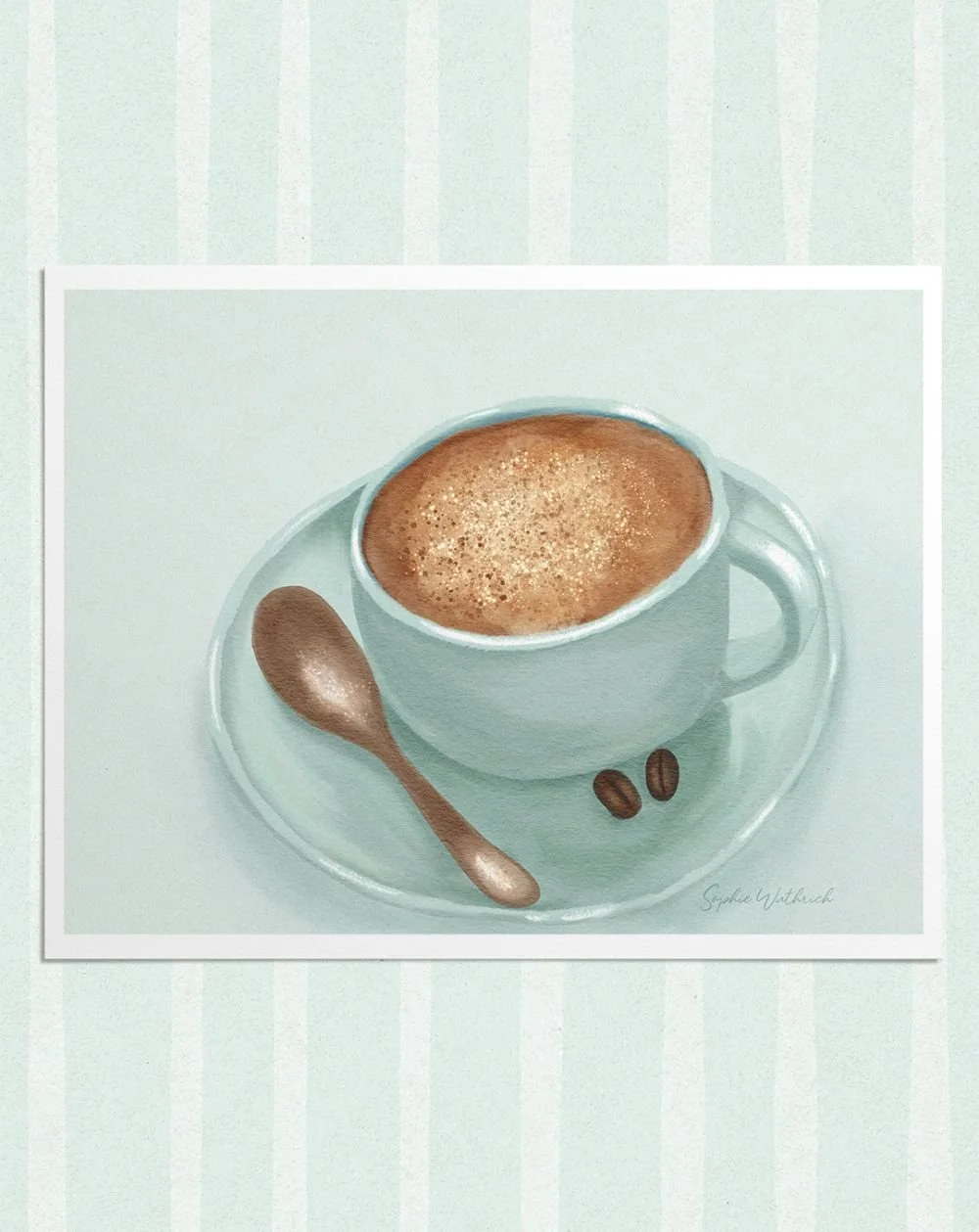
Procreate is the program I use to create all of my hand-drawn illustrations! I use this on my iPad 6th Gen with the apple pencil. I love experimenting with different brushes and canvases to get my desired illustration style. Watercolour has been my favourite lately! My favourite brushes are from WarmCozyCottageShop on Etsy. One of my latest and favourite hand-drawn illustrations is my cappuccino below.
Keynote
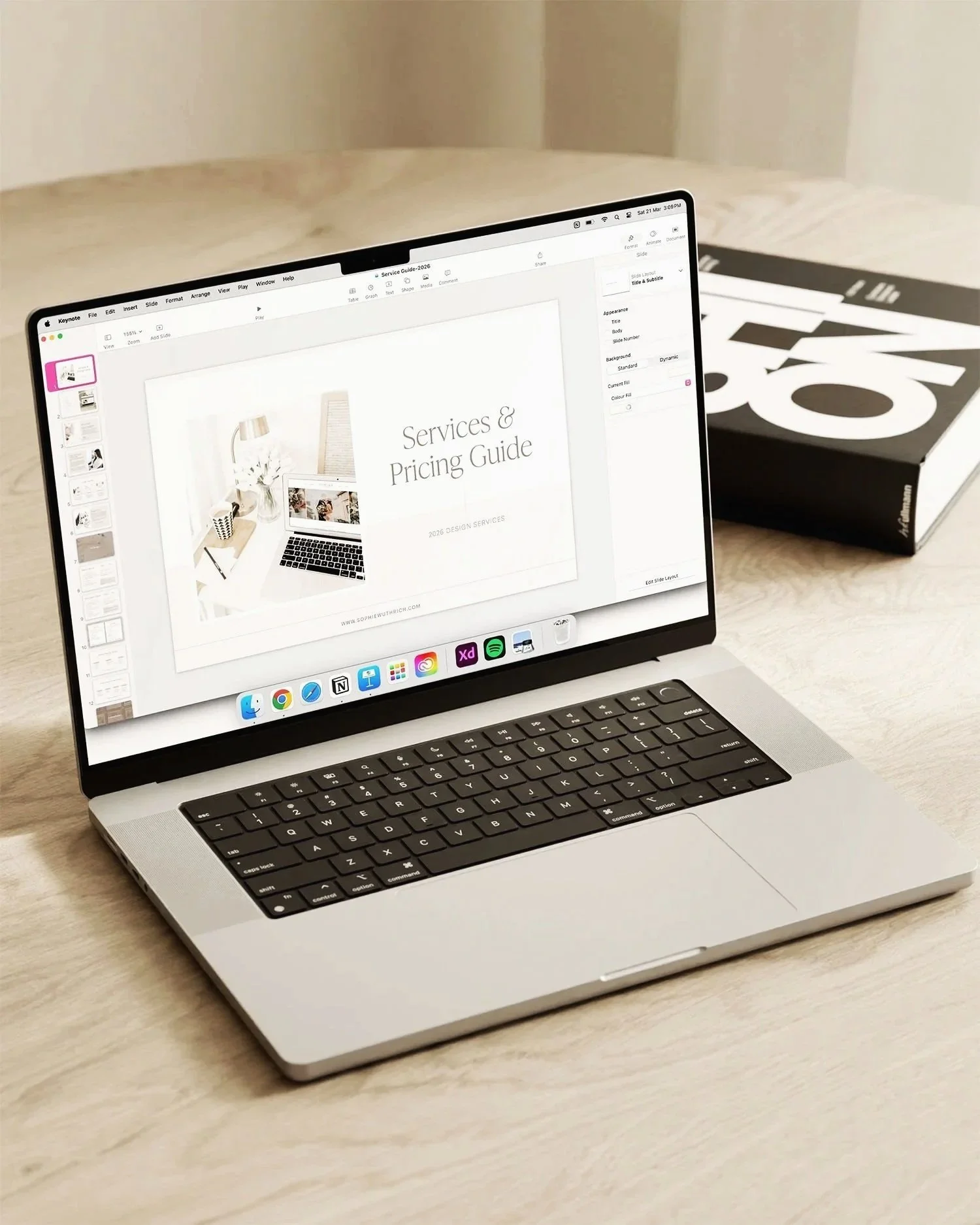
Keynote is a little gem in my in my toolkit! I use it for creating presentations and PDF’s including all of my client guides. I also used Keynote a lot to create digital planners and notebooks back when I used to sell them. Plus, Keynote is free for all Mac users!
Notion
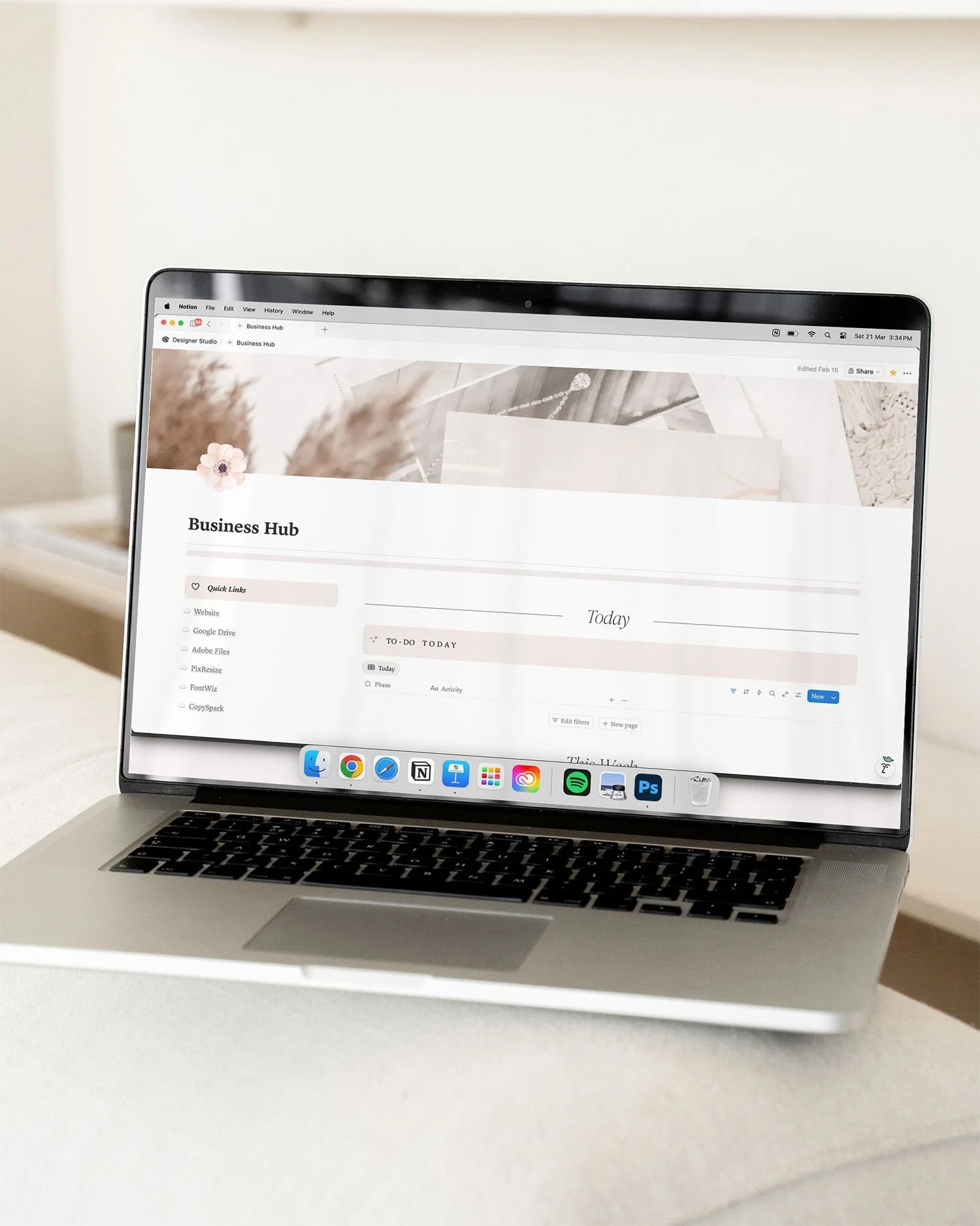
Notion is my digital hub for both work and personal life. It is my go-to tool for organising my creative business, managing client projects, and also many areas of my personal life. I have been using Notion since I was 17 at uni and it’s still my favourite way to stay organised. I use the free plan and find it to be perfect for my needs.
Squarespace
Of course, I have to mention Squarespace as this is where I build most of my websites! There are lots of great website platforms out there, and after trying many of them I still find myself coming back to Squarespace because it is the best fit for most of my clients’ needs. In saying that, the best platform for you will depend on your website vision and goals!
Those are the tools I use most days to design, plan, and create. While these are the programs I use to do the work, there are also so many amazing resources I turn to in my creative business such as high quality stock images, mockups, and legal templates. I’ll be sharing all my favourite resources in another post soon, so stay tuned if you want a peek at the behind-the-scenes goodies that help bring projects together! 🌸